From Excel to a Travel CRM in 7 Days: A Practical Plan for Your Agency
Switching software sounds like a quarter-long project. For most travel agencies it can be done in a week — if you follow a plan.
The biggest reason agencies stay on spreadsheets is not cost. It is the fear that moving will take months and disrupt sales. It does not have to. Here is a practical seven-day plan that most small and mid-sized agencies can follow while still taking enquiries.
Day 1: Decide what "done" looks like
Write down the three things that hurt most today — for example, lost follow-ups, slow quotes and unclear payment status. Those are what the new system must fix first. Everything else can come later.
Also decide who leads the move. One person, with an hour a day, is enough.
Day 2: Set up the basics
- Agency profile, logo and brand colours for PDFs
- Branches, if you have more than one office
- GST details and invoice number series
- Users and roles — owner, sales, operations, accounts
- Decide who may see supplier net rates
Day 3: Bring in your customers
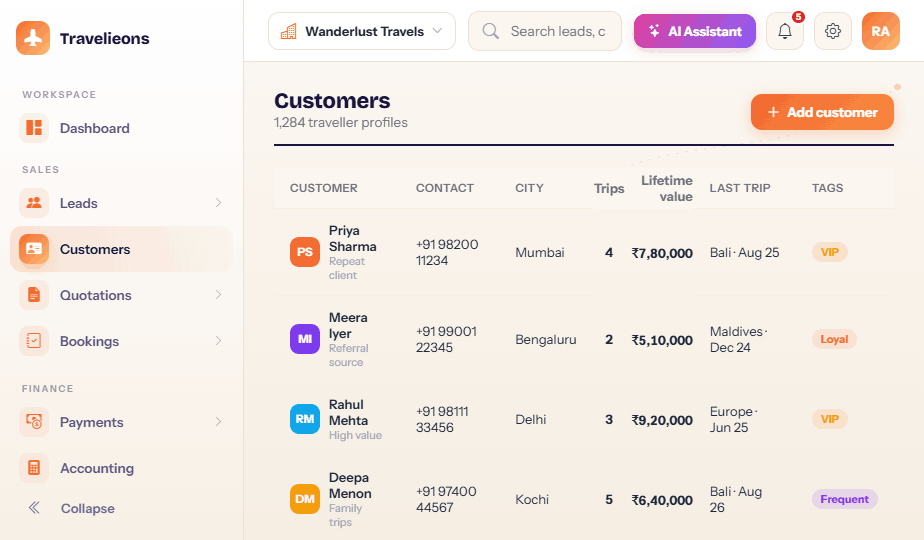
Export customers from your spreadsheet, phone or old software into a CSV with:
- Name, phone, email, city
- Optional: date of birth, passport details, tags (e.g. "honeymoon", "corporate")
Clean phone numbers into one format before importing. Duplicates you remove now save confusion for years.
Day 4: Add suppliers and your best-selling packages
You do not need every hotel on day 4. Add the suppliers you use most and build five master packages — your most frequently sold trips. These become templates that make quoting fast from the first week.
Day 5: Move open enquiries into the pipeline
Take every open enquiry — not the historical archive — and add it as a lead with its stage and next follow-up date. From today, every new enquiry goes into the system, not into a chat or a notebook.
Day 6: Quote, share and collect in the new system
Run real work through it:
- Build quotes from your master packages
- Send them as branded PDFs or share links
- Send a payment link for an advance
Expect small adjustments — a markup setting, a PDF detail. Fix them now while the team is paying attention.
Day 7: Review and switch off the old way
Sit with the team for thirty minutes:
- What still feels slow?
- Which reports does the owner want every Monday?
- Which old spreadsheets can now be archived?
Then make it official: the spreadsheet is read-only, and the CRM is the source of truth.
Common mistakes to avoid
- Migrating everything at once. Bring open work first; history can follow.
- Customising before using. Run real trips through the defaults for a week before changing workflows.
- Skipping training for one person. If one agent stays on WhatsApp-and-Excel, the gaps return.
How Travelieons makes it easier
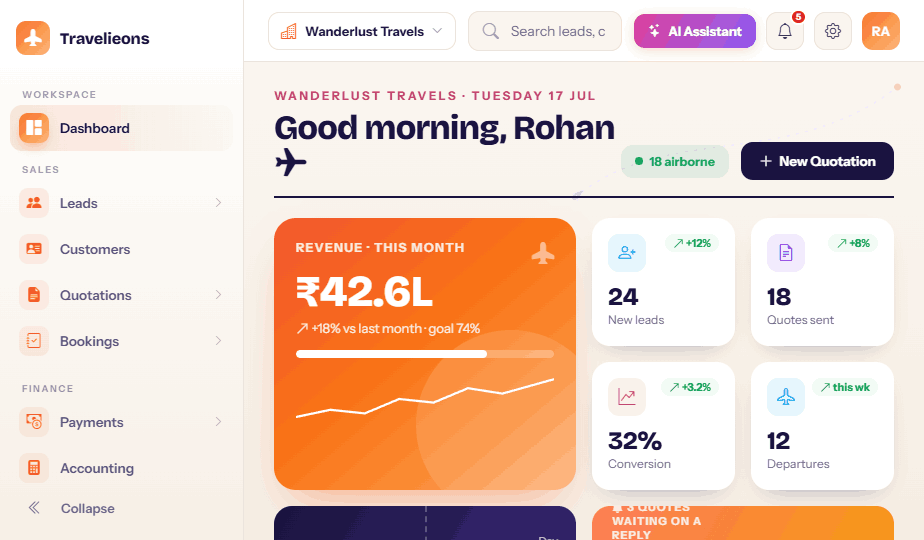
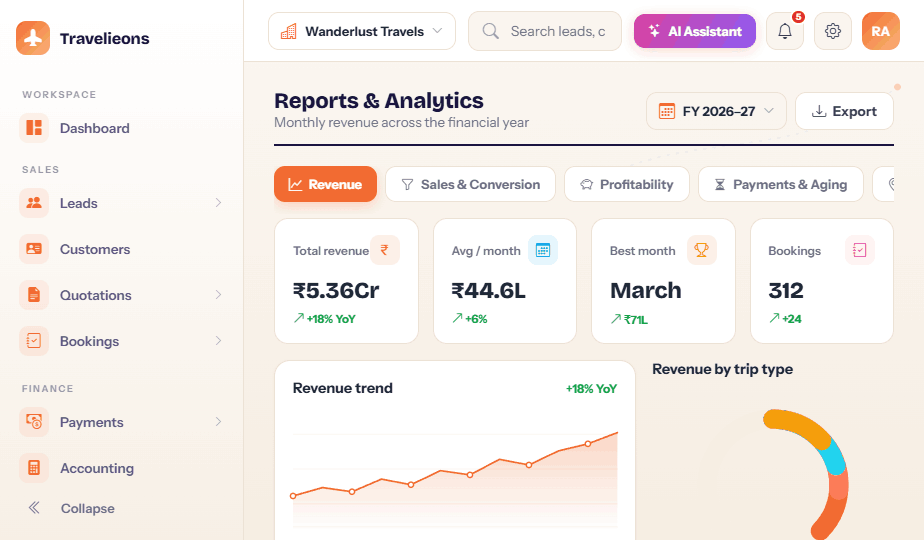
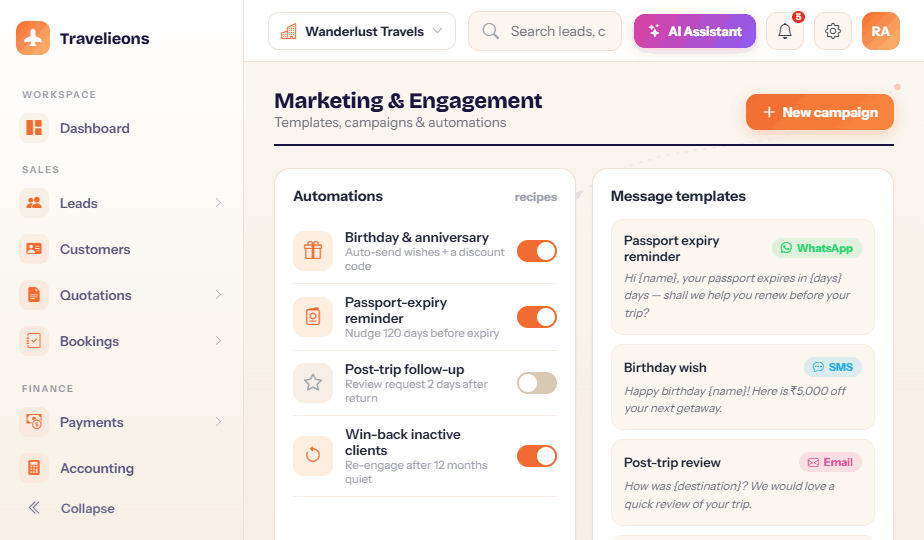
Travelieons is designed to be live in a week, not a quarter: customer imports, master packages, ready-made roles, branded PDFs and payment links work out of the box, and our team helps with setup. Start a free trial or book a demo and we will walk through your first week with you.