WhatsApp for Travel Agencies: Templates, Follow-ups and What Not to Do
Your clients already live on WhatsApp. Used well, it is your best sales and service channel. Used badly, it gets your number blocked.
For Indian travel agencies, WhatsApp is not one channel among many — it is the channel. Enquiries arrive there, quotes are discussed there and payment screenshots are sent there. The question is not whether to use WhatsApp, but how to use it without chaos.
Personal app, Business app or Business API?
- Personal WhatsApp on an agent's phone means the conversation leaves when the agent does.
- WhatsApp Business app adds a profile, labels and quick replies — fine for a one-person desk.
- WhatsApp Business Platform (API) lets your CRM send and receive messages from a company number, using pre-approved templates, with every conversation saved against the customer.
Once you have more than two or three people handling clients, the API route is worth it.
How templates work
Outside an active conversation, businesses can only start a chat with a message template that Meta has approved. A template has fixed text with variables, for example:
Hello {{1}}, your quotation for {{2}} is ready. View it here: {{3}}
Your CRM fills the variables — name, destination, quote link — and sends it. When the customer replies, a normal conversation window opens and you can chat freely for a period of time.
Templates every travel agency should have
- Enquiry received — thanks, and who will call them
- Quotation ready — with a link to the quote
- Gentle follow-up — two or three days after the quote
- Payment reminder — balance due, amount and due date
- Payment received — confirmation with the amount
- Documents ready — vouchers and itinerary attached or linked
- Pre-departure — checklist, emergency contact
- Welcome back — feedback request after the trip
Keep them short, friendly and specific. Templates that look like promotions are more likely to be rejected or reported.
What not to do
- Do not bulk-message people who never opted in. Blocks and reports lower your number's quality rating and can restrict your account.
- Do not send the same promotion every week. Relevance beats frequency.
- Do not paste supplier net rates or internal notes into a chat — once sent, it cannot be taken back.
- Do not rely on screenshots for payments. Send a proper payment link and record the receipt.
Make it part of the booking record
The real value comes when WhatsApp is connected to the rest of your process: the quote link comes from the quotation, the payment reminder knows the balance, and every message is saved on the customer's timeline so any colleague can pick up the conversation.
How Travelieons does it
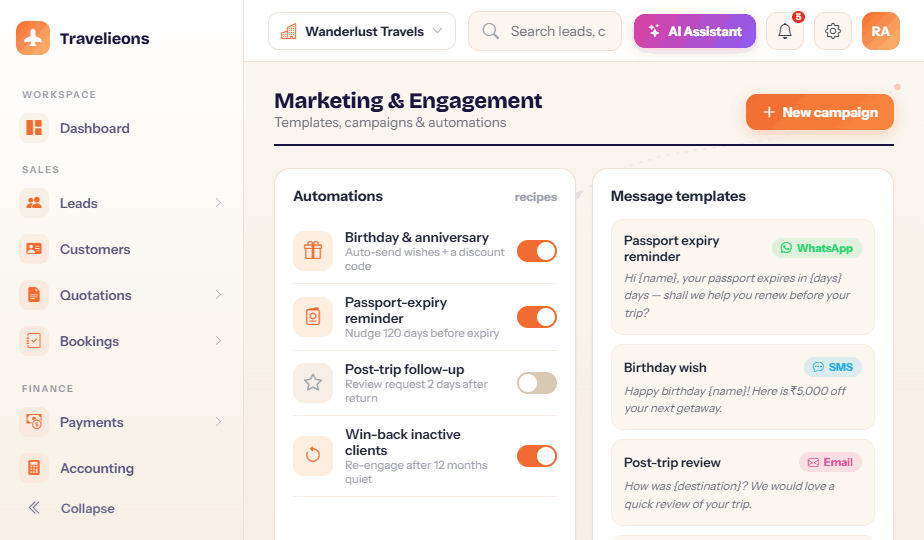
Travelieons sends WhatsApp messages through approved templates: you pick a template, the variables are filled from the lead or booking, and you see a WhatsApp-style preview before anything is sent. Quotes, itineraries and payment requests go out as links, and the conversation stays with the customer record.
See the full list of features, or book a demo to see it with your own templates.